In this guide 5 steps
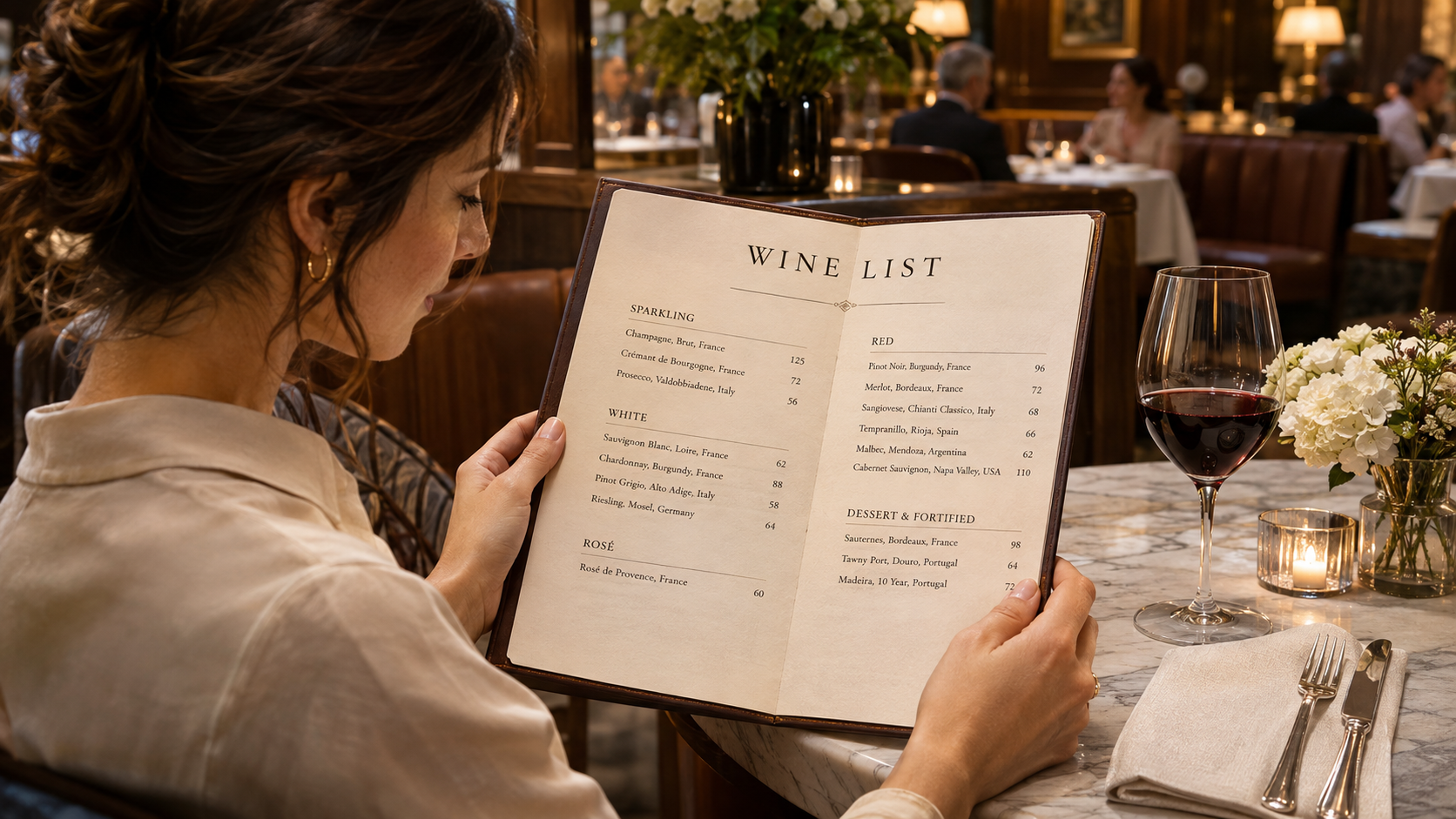
The menu arrives. Someone looks at you. Suddenly, choosing a bottle feels like a test you didn’t study for. It doesn’t have to. You can make a thoughtful choice with a budget, a few words about what you enjoy, and one good question.
Set a comfortable budget. Describe what you like. Narrow the list. Then keep a note of what actually tasted good to you.
Start with a number you’re comfortable with.
Choose your price range before comparing bottles, and check whether the price is for a glass or a bottle. If you’re sharing, agree on a comfortable total with the table. That gives you a useful boundary and removes a lot of options immediately.
Tell the server your range directly. You don’t need to justify it or apologize for it. WSET’s guide to restaurant wine lists recommends being open about both your preferences and your budget.
Further reading: WSET · How to read a wine list ↗
Use words you’d actually say.
You don’t need to identify a region or remember a producer. Start with a wine you enjoyed, or describe the feeling you want: fresh and crisp, soft and rounded, light and delicate, or fuller and more intense.
Three useful terms: acidity is the fresh, mouth-watering side of wine; tannin is the drying, grippy sensation; body is how light or full a wine feels in your mouth. You can like one of these sensations and prefer less of another.
“I’d like something fresh, without too much drying grip, around $50 a bottle. What would you suggest?”
Further reading: WSET · Understanding mouthfeel ↗
Turn the long list into a short one.
Once you have a budget and a preferred style, choose two or three candidates. Ask what distinguishes them. A useful comparison is about the differences you care about, rather than which label sounds most impressive.
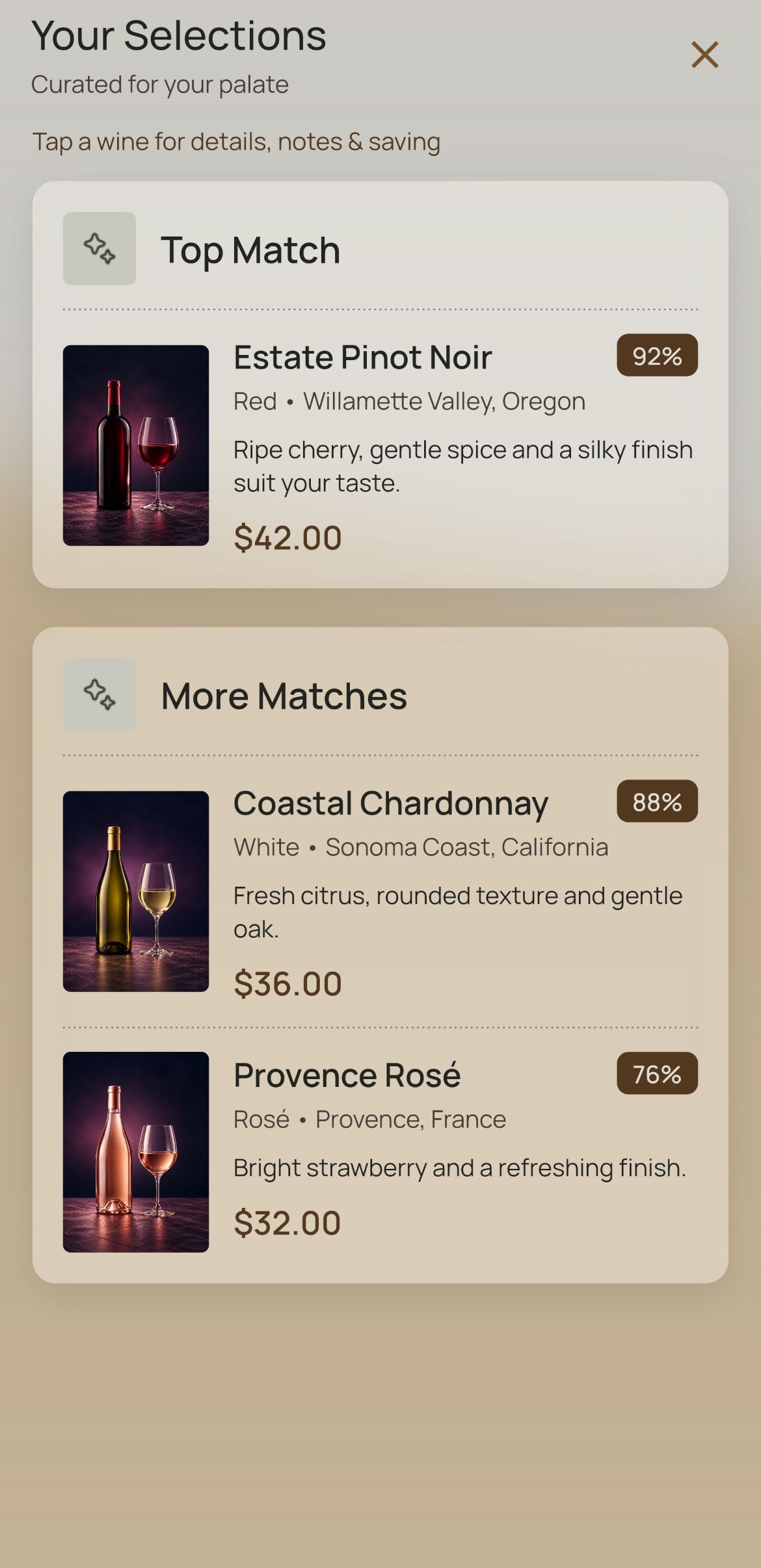
Wine Palate can help with this step. Complete your taste profile, then scan the menu. When enough wines are identified, the app shows a top match and two alternatives. Open a result to read the details and the explanation behind its match score.
A match score estimates how a wine fits your profile. It isn’t a critic’s quality rating or a promise that you’ll enjoy it. Check the wine name, vintage, availability, and price with the restaurant before ordering.
Your taste is the starting point.
One top match. Two alternatives. Open a wine to understand the fit.
See how the scan works ↗
Let the restaurant fill in the gaps.
Show your shortlist to the server and tell them what you’re ordering. Try: “Between these two, which would you suggest with our food?” That is easier to answer than a completely open-ended request for the best wine.
If everyone wants something different, look at the by-the-glass options. There’s no need to force a single bottle to suit the whole table. Ask about pour sizes and prices so you can compare the options comfortably.
Taste first. Save what you loved.
You don’t have to decide whether to save a wine before you’ve tasted it. If you used Wine Palate, return to Recent scans on Home afterward. It keeps your last five scans for up to 30 days, so you can reopen a result and save the wine with your rating and notes.
Write something that will help you next time: “Bright and fresh; worked well with dinner,” or “More drying than I prefer.” Include the restaurant or occasion if that makes the memory easier to find. Your own experience is the part worth keeping.
Before you leave, confirm that the wine you save is the bottle you actually drank. A small detail now can make your next wine list feel a lot more familiar.
A few good questions.
Do I have to choose the highest match score?
No. Use the score alongside the wine’s description, your budget, the food, and advice from the restaurant. Your taste profile is a starting point, and your own enjoyment is what matters.
Can I save a menu result after dinner?
Yes. In Wine Palate, open Recent scans on Home, reopen the result, and select the wine. You can save it with your rating and notes. Recent scans retains the last five scans for up to 30 days.
Do I need Premium to scan a wine menu?
No. Wine Palate Free includes three scans per day. Premium includes unlimited scans and your personal digital Cellar. You can compare the plans on the website.